
I learned this the hard way on cold Chicago mornings. I'd spend all week trying to organize a cleanup, then lose half my time chasing people through group chats, DMs, and a spreadsheet that looked fine on Tuesday and felt cursed by Saturday.
Starting a volunteer group felt weirdly similar to trying to clean my old apartment. Every object had a story. Every loose end had emotion tied to it. A simple sign-up list somehow turned into a pile of messages, exceptions, late arrivals, weather changes, and one person asking, "Wait, are we meeting at the alley or the park?" The work itself was simple. The coordination wasn't.
Nonprofit guides now describe volunteer management software as one system for recruitment, scheduling, communication, and hour tracking instead of patching things together with spreadsheets, and that's exactly why I went looking for volunteer scheduling software free options that regular people could use without a tech team or a budget according to this volunteer management software guide. I didn't want software for software's sake. I wanted fewer flakes, fewer lost messages, and a cleaner handoff between "I want to help" and "I'm here with gloves on."
So here are the tools I'd recommend for a small, scrappy volunteer team. Some are simple sign-up sheets. Some feel more like a real volunteer system. All of them solve a real headache.
1. SignUpGenius
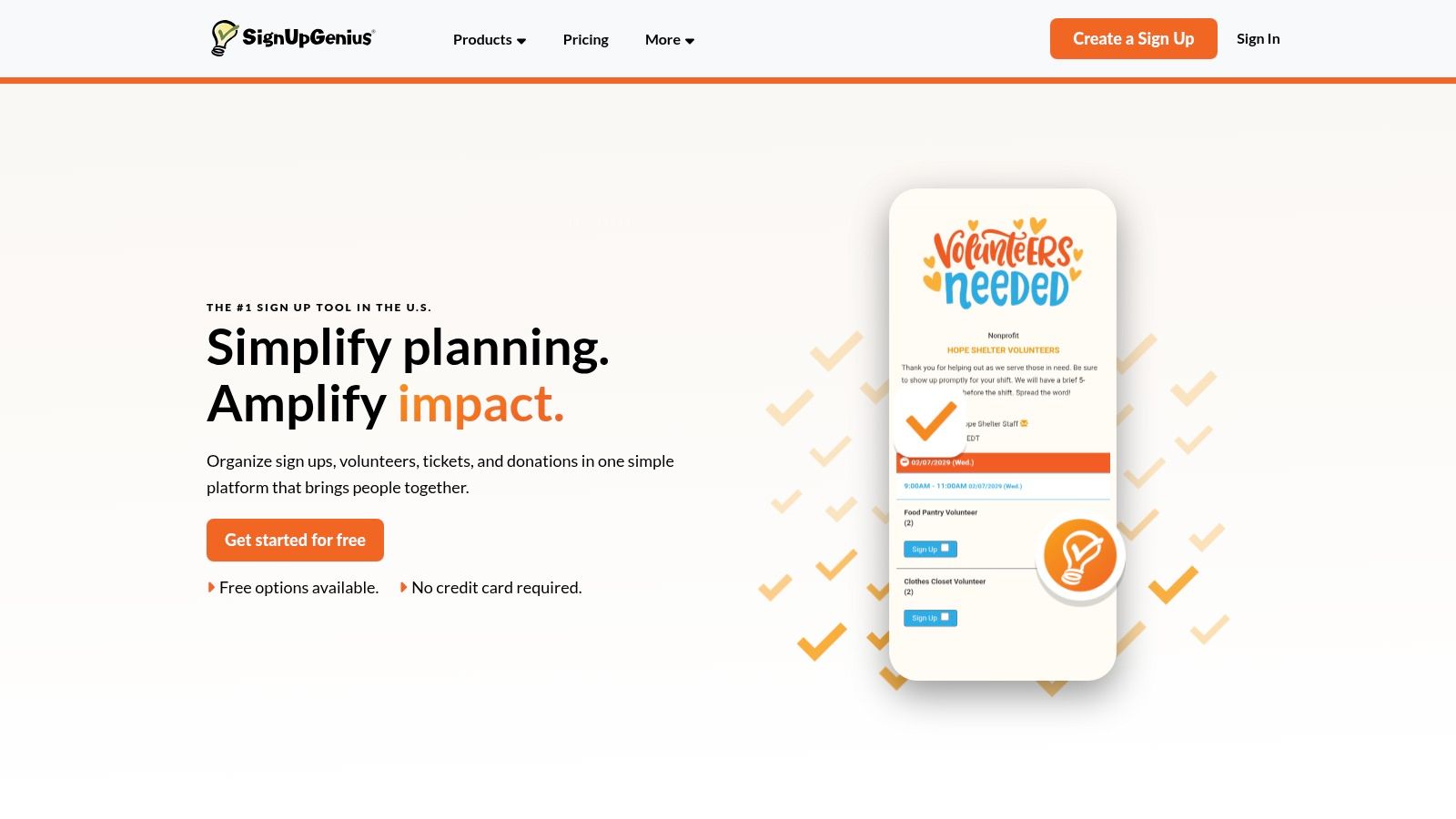
When I need to get people into slots fast, I still think about SignUpGenius first. It feels like the paper signup board from a school hallway, except it lives on your phone and doesn't blow away in the wind.
That's its superpower. You don't need to teach anyone how to use it. You send a link, people tap a time, and the thing moves forward. For volunteer groups, that low-friction start matters more than fancy dashboards.
Why I'd use it
If your group has recurring cleanups, supply lists, and simple roles like "picker," "spotter," or "snack runner," SignUpGenius keeps the machine moving.
- Fast setup: I can build a new Saturday event quickly and share it in a text, post, or QR code.
- Clear slot control: You can cap spaces so you don't get twenty people showing up for a job meant for six.
- Built-in reminders: Automatic confirmations and reminders take pressure off your brain.
The weak point is admin depth. On the free plan, ads are there, and if your team grows into multiple coordinators or deeper reporting, you'll feel the ceiling.
Practical rule: If your volunteers are casual and you need them signed up in under a minute, simple beats sophisticated.
I also like this tool for groups still learning the basics of coordination. If you need help tightening your process around communication, arrival flow, and event follow-up, my guide to volunteer management best practices pairs well with a tool this simple.
2. SignUp.com
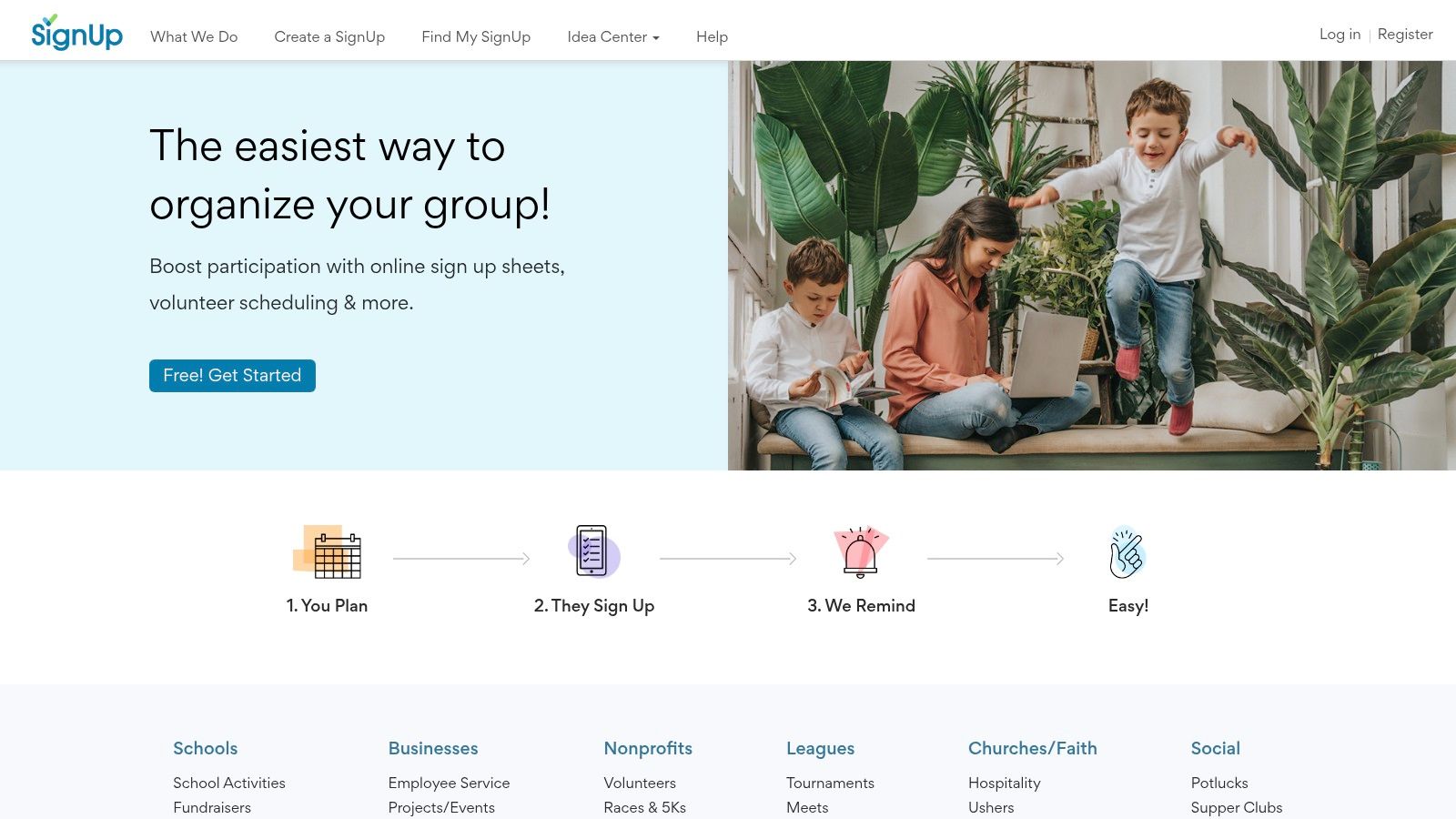
SignUp.com feels like the neighbor who may not dress flashy but always shows up with the folding table, extra tape, and the right extension cord. It isn't glamorous. It is useful.
I've seen tools lose people because the organizer gets excited and the volunteer gets confused. SignUp.com usually avoids that. It keeps the path short between "I might come" and "I'm on the list."
Where it fits best
I like this one for neighborhood events, school-style volunteering, and community groups that need straightforward self-signups without a lot of ceremony.
A few things make it easy to live with:
- Free sign-up sheets and calendars: Good for shifts, supply drops, and attendance planning.
- Reminders and confirmations: Helpful when people signed up days ago and forgot.
- Easy sharing: You can push the link out almost anywhere your volunteers already gather.
The tradeoff is feel. Some organizers think the interface feels older, and if you care a lot about branding or cleaner visuals, you may want something more modern. Still, old and dependable can be a blessing.
Sometimes the actual issue isn't software. It's that you don't yet have enough people in the funnel. If that's where you are, start there. This playbook on how to find volunteers will do more for you than any dashboard.
"A tool can't rescue a weak invitation. It can only make a good invitation easier to answer."
3. Timecounts
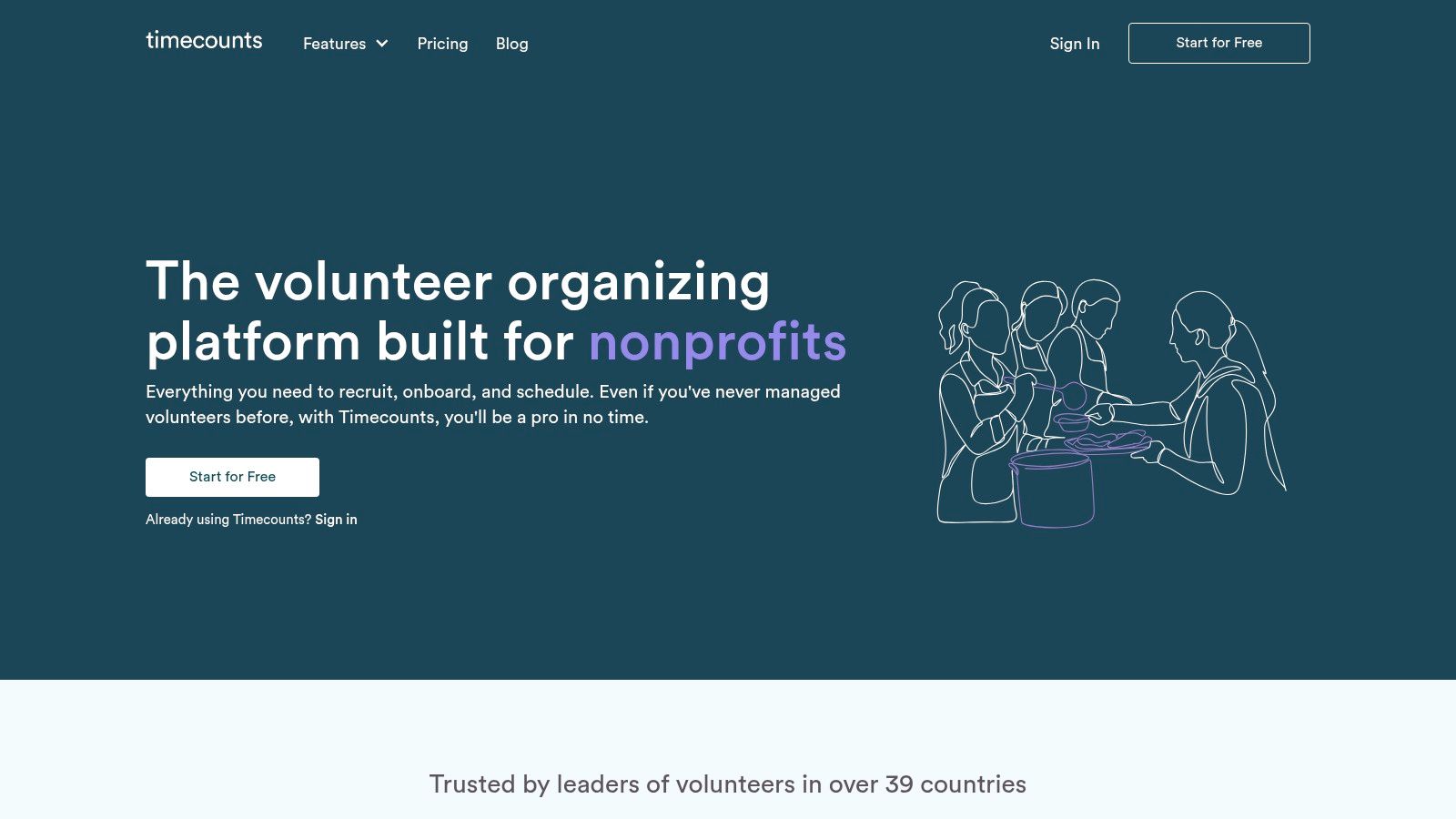
There comes a point when a sign-up sheet stops being enough. You don't just need names in slots. You need onboarding forms, volunteer history, rosters, and a cleaner way to remember who keeps showing up.
That's where Timecounts starts to make sense to me. It feels like moving from sticky notes on the fridge to labeled shelves in the garage. You still have clutter, but now you can find the gloves, the grabbers, and the person who always arrives early.
When I'd move up to it
I'd pick Timecounts when your group has started to grow roots. Maybe you have recurring volunteers, special event volunteers, and people who came once through Instagram and might return if you keep in touch well.
What I like:
- Volunteer database and forms: Better than collecting info through random messages.
- Shifts, rosters, and hour tracking: More structure for teams that need history.
- Emailing and segmentation: Helpful when one cleanup crew wants river work and another prefers neighborhood routes.
The downside is setup time. This isn't the "send a link in thirty seconds" option. You need a little patience at the front end.
That extra structure can pay off if you're trying to keep people around. Retention usually breaks when volunteers feel forgotten or when rejoining is harder than joining. My guide on volunteer retention strategies gets a lot easier to apply once your software remembers people.
4. Track It Forward
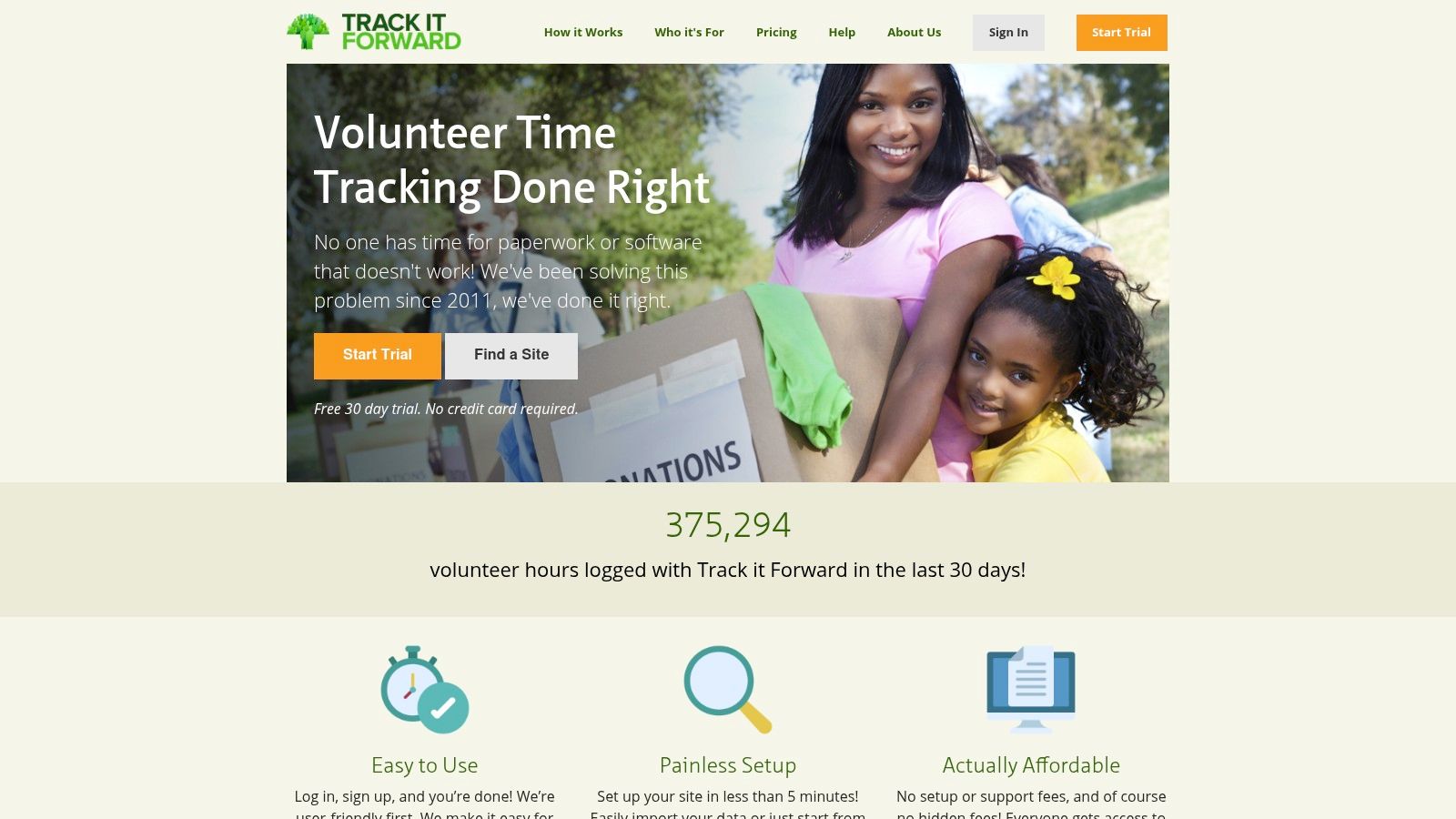
Track It Forward makes me think of clipboards done right. If your group needs clean hour logs, approvals, and a record you can trust later, this one leans into that.
Some volunteer tools treat hours like an afterthought. This one doesn't. That matters if you work with schools, grants, service requirements, or partners who ask, "Can you show me who did what?"
Best for compact teams that track hours closely
I wouldn't call this my first pick for huge, loose, come-and-go public events. I would call it a strong fit for a compact crew that wants accountability.
- Event sign-ups tied to hours: Less manual cleanup after the event ends.
- Approvals and portfolios: Useful when volunteers need proof of service.
- Kiosk and mobile check-in: Good for coordinators who want cleaner attendance records.
The biggest catch is scale. Coverage of free tiers notes that Track It Forward is free for volunteers, while organizations are capped at 25 volunteers on the free tier. If your team is tiny most weeks and spikes during special events, that matters. You don't want to get attached to a system that feels roomy in month one and cramped in month three.
5. POINT
The first time I tried to recruit volunteers outside our usual friend circle, I made a mess of it. Sign-ups were in one place, reminders were in a text thread, and hour logs lived in a spreadsheet I forgot to update. A college student showed up asking where to check in, and I had no good answer.
POINT would have saved me that scramble.
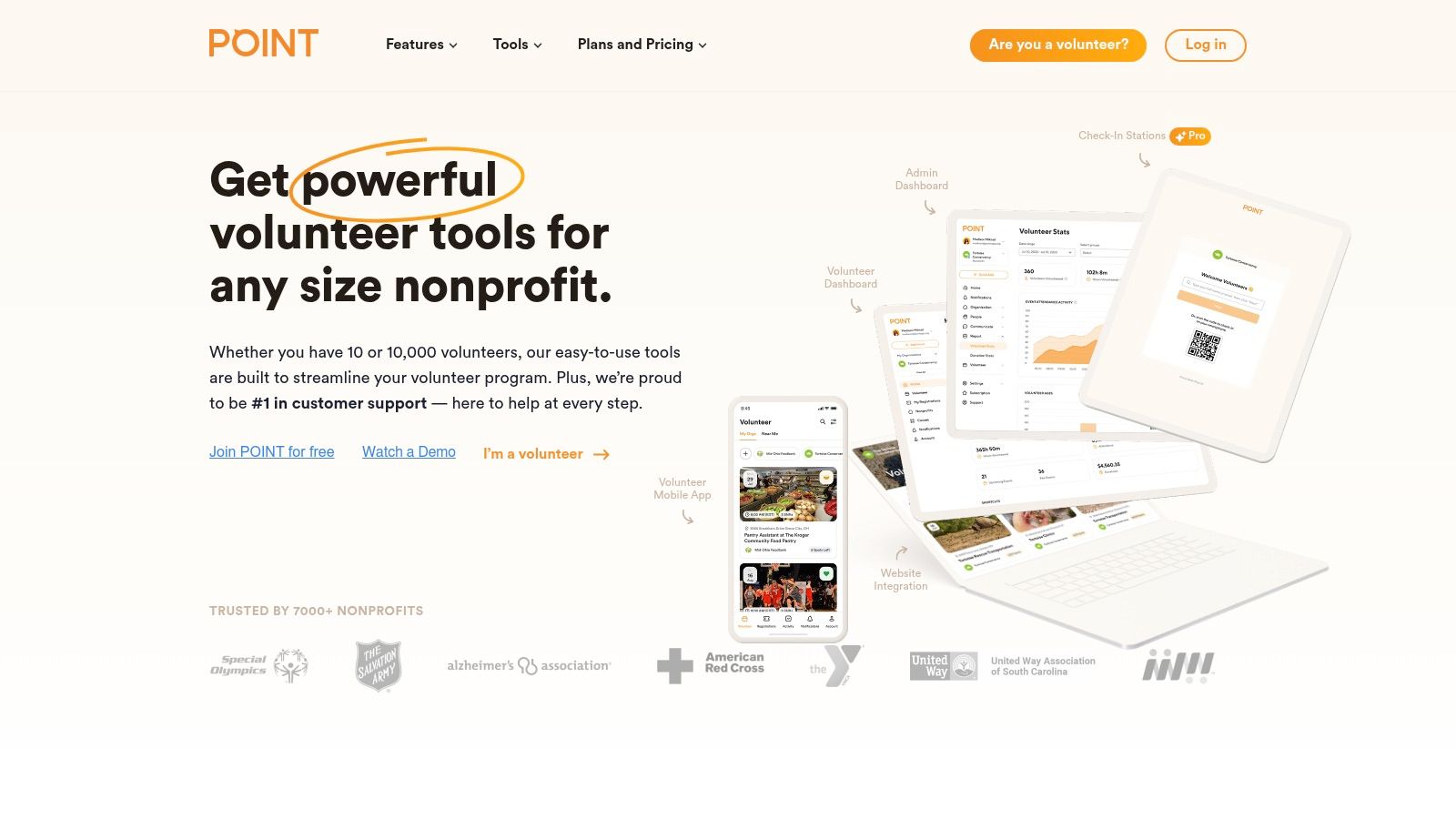
What stood out to me is that POINT puts the volunteer-facing side front and center. People can find opportunities, sign up on their phones, get updates, and keep track of their service in one place. For a small grassroots crew, that matters because every extra step loses somebody.
Best for groups that need scheduling and discovery in the same tool
I would use POINT for the kind of event where half the room is new. Mutual aid drives, cleanup days, school supply sorting, one-off service projects. If your group depends on public sign-ups instead of the same ten reliable people every week, a mobile-first system helps keep that front door open.
According to POINT's pricing page, the platform offers a free plan, which makes it a realistic place to start if you're trying to get organized before you have a software budget.
Here's where I see it helping most:
- Mobile sign-ups: Easier for volunteers who do everything from their phones.
- Reminders and roster updates: Less manual follow-up from the organizer.
- Public opportunity listings: Helpful when you want new people to find your work.
- Hour tracking: Useful if volunteers need a record afterward.
The catch is fit. Some groups need a simple private scheduler for a known team, and POINT can feel bigger than that. I'd check the account setup and feature limits early, especially if you're an informal community group and not a registered nonprofit.
For the right team, though, it solves a real problem I learned about the hard way. Getting people to care is hard enough. Your scheduling tool should not make showing up harder.
6. Sling by Toast
Sling wasn't made just for volunteers, and that's part of why some scrappy groups love it. Sometimes volunteer scheduling software free options built for nonprofits can feel heavy. Sling feels like a shift scheduler that got dragged into community work and ended up being pretty good at it.
If you run multiple crews, rotating roles, or a weekend operation with a lot of moving pieces, drag-and-drop scheduling is a relief. You stop rebuilding the same roster over and over.
The roster machine
The free plan covers up to 30 users, which makes it one of the more generous free scheduling setups in this space. For a neighborhood cleanup team with role-based staffing, that's enough room to test a real system before committing.
Here's where Sling earns its keep:
- Availability and open shifts: Easier for people to raise their hand for what they can do.
- Messaging: Better than stuffing updates into unrelated chat threads.
- Mobile notifications: Handy for weather changes and last-minute role swaps.
But it isn't volunteer-specific. You won't walk in and find built-in waivers or a volunteer profile flow designed for nonprofits. You may have to adapt it.
I see Sling as a strong "operations first" choice. If your problem is pure scheduling chaos, it can calm things down fast. If your problem is volunteer lifecycle stuff, another tool may fit better.
7. Homebase
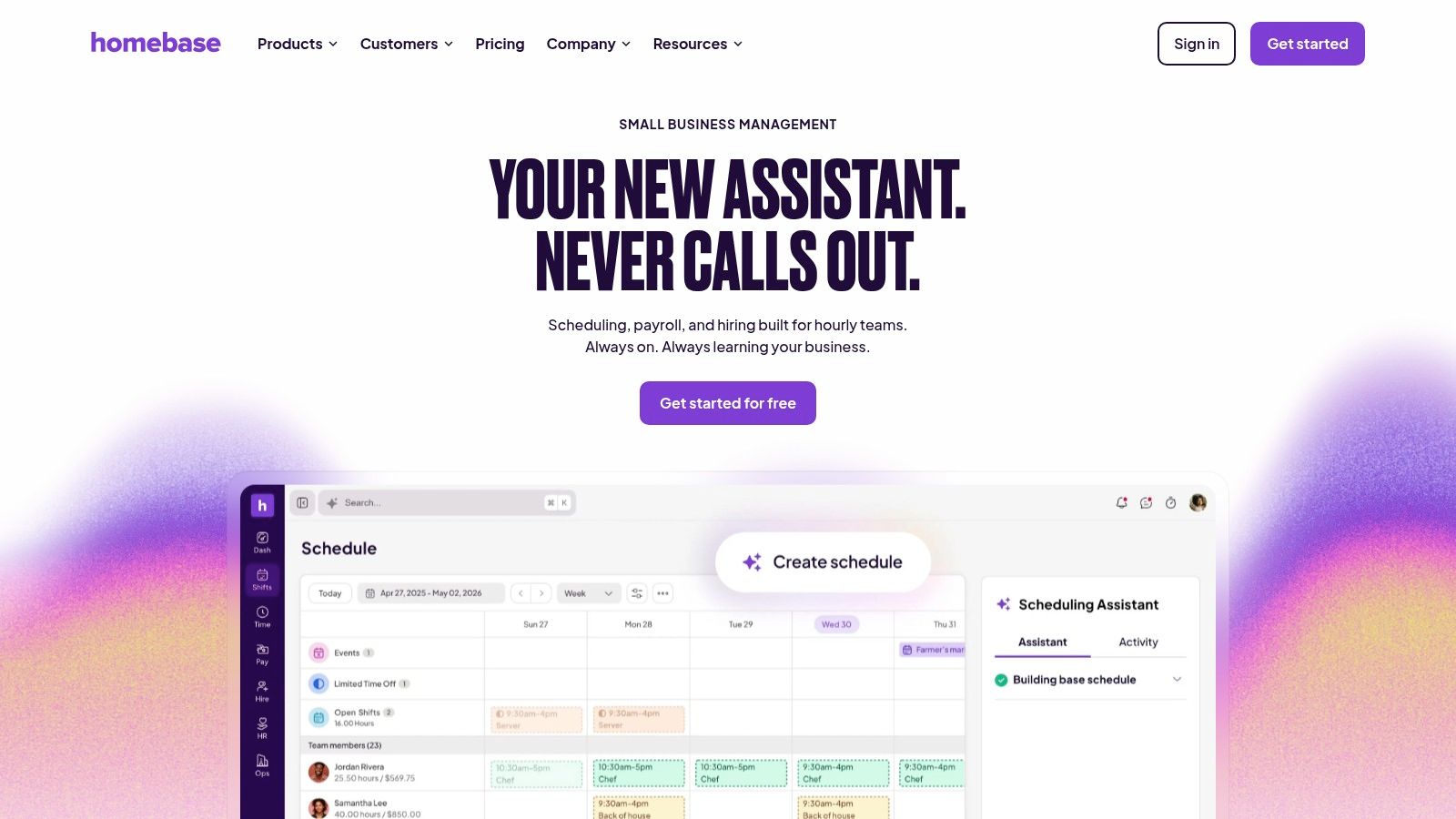
Homebase makes sense to me when a volunteer event works a little like a shift-based team. Maybe everyone meets at one spot, checks in there, gets assigned, and heads out. In that setup, Homebase can feel surprisingly natural.
I think of it as a meetup-point tool. If your cleanups begin at the same church parking lot, park fieldhouse, or corner storefront each week, that one-location setup can be a plus instead of a limitation.
Good for a stable home base
This is the kind of tool I'd test if I wanted scheduling plus a simple time clock feel for a small recurring team.
- Basic scheduling and time tracking: Nice for leaders who want attendance in one place.
- Shift reminders in the app: Good for volunteers who forget what they promised.
- Single-location focus: Useful if your operation begins from one anchor spot.
The catch is that Homebase is best when your structure is tight. If your volunteers scatter across many pickup zones with multiple leaders, you may outgrow it or have to bend your process to fit the tool.
Cloud scheduling has become normal enough that even free or free-access systems now promise access from any device, automated reminders, and around-the-clock self-booking, and one cloud scheduling platform even advertises 99.96% uptime for schedule access. That's the standard volunteers are getting used to. Homebase benefits from that same expectation of always-on access.
8. Volunteer Shift Manager
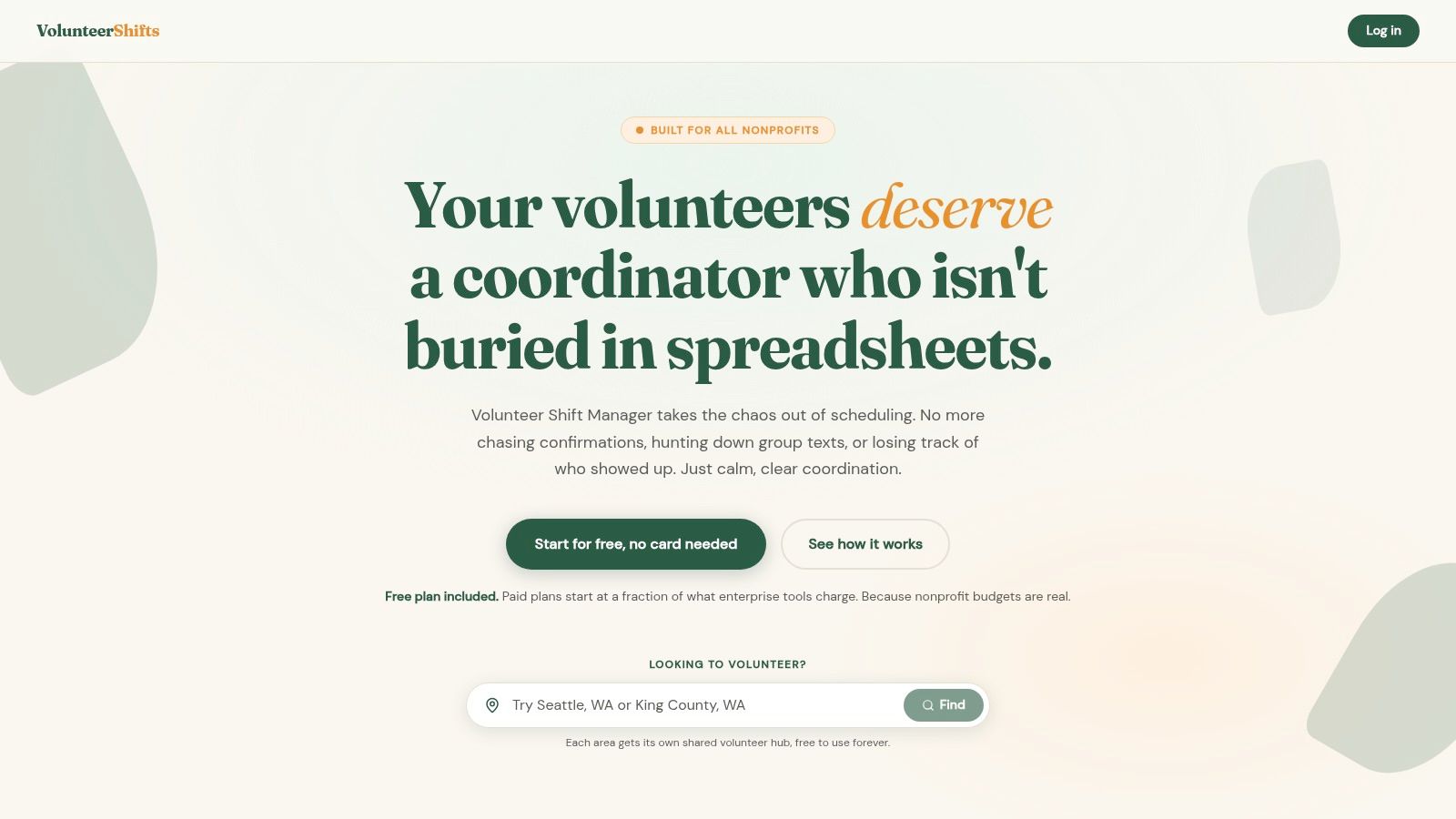
Sometimes I don't want a giant platform. I want the equivalent of a clean folding table with clipboards already set out. Volunteer Shift Manager fits that mood.
This one is lightweight and purpose-built for shift-based volunteer work. You create events, set caps, publish sign-up pages, and move on with your life.
Why small groups may love it
Volunteer Shift Manager is the kind of tool I would hand to a new organizer who feels intimidated by larger systems. It keeps the center of gravity on the event itself.
A few reasons it works:
- Public sign-up pages: Easy for community sharing.
- Roster exports: Useful if you still do some coordination off-platform.
- Email confirmations and reminders: Helps keep attendance from getting fuzzy.
Its free plan goes up to 50 volunteers, which is a practical middle ground for groups that have moved beyond a tiny core team but aren't running a giant operation. That's exactly the hidden-limit question many "free" roundups skip. They tell you a product is free, then go quiet on what happens when your volunteer count jumps from a normal week to a special event.
Field note: Always test the free plan against your busiest month, not your calmest week.
Because this tool is smaller, expect fewer integrations and fewer deep automations than the bigger names. For a lot of grassroots groups, that's a fair trade.
9. Volntir
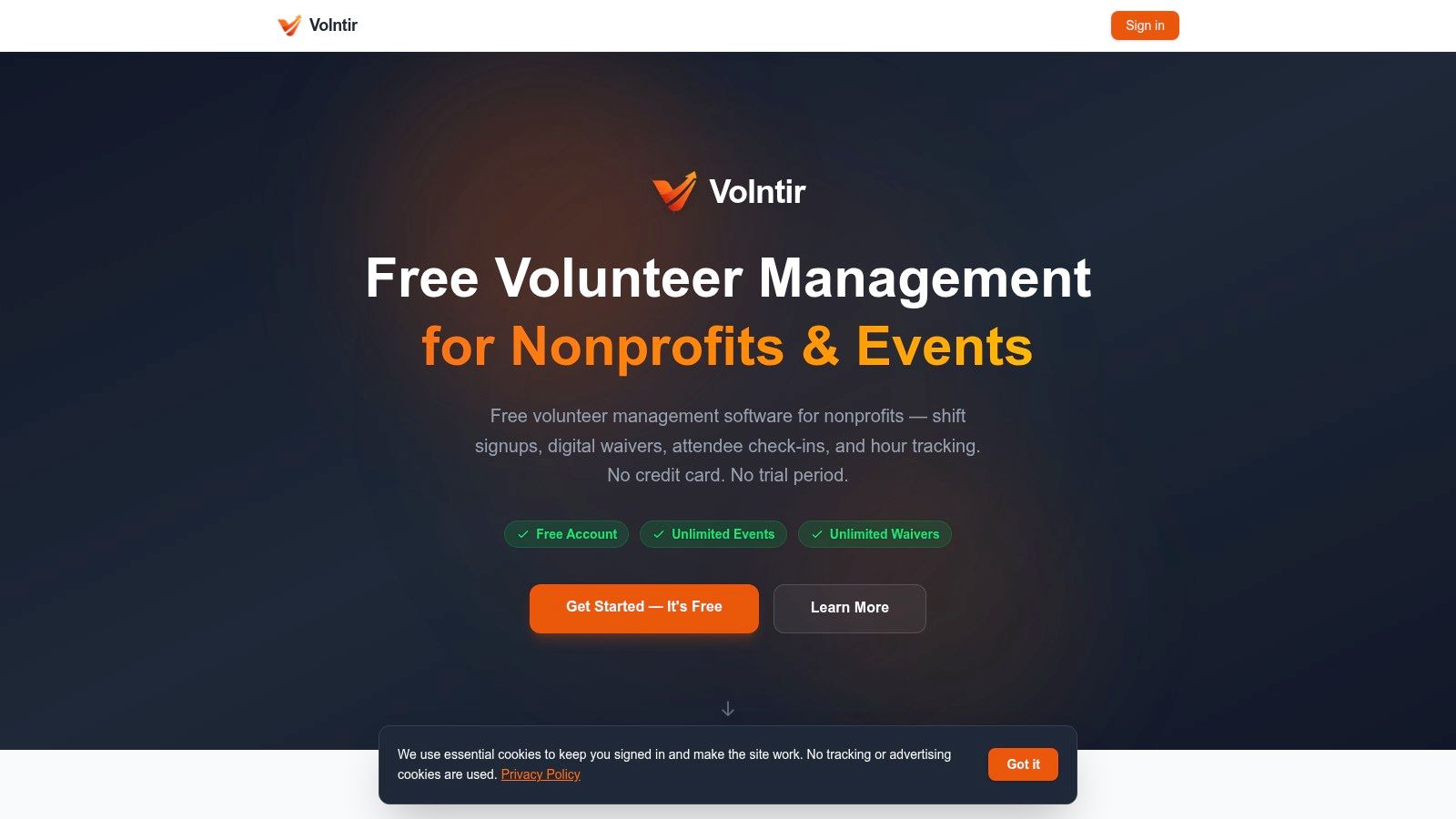
Volntir caught my attention because it bundles a few annoying jobs together. Sign-up, digital waiver, check-in, and hours tracking in one mobile-friendly flow is the kind of thing that can save your Saturday morning.
For cleanup groups, waivers are one of those details everybody remembers at the worst time. Usually that's when people are already arriving, someone forgot pens, and the wind is trying to steal your papers. A digital path is cleaner.
A good bet if paperwork slows you down
What I like here is the all-in-one feel for event day logistics.
- Capacity-based shift sign-ups: Good for role control.
- Digital waivers and signatures: Less paper chaos.
- Check-in and hour tracking: Better records without extra steps.
The caution is right in the product stage. It's in beta, so I'd expect changes, rough edges, and a smaller support setup. If you're comfortable testing newer tools, that's fine. If you need rock-solid stability for a large established program, maybe wait.
This also ties into a bigger practical question I care about. Will a richer platform reduce no-shows and last-minute holes better than a simple spreadsheet or no-login sign-up? The honest answer is that tool complexity can help or hurt, depending on your volunteers. Some groups need structure. Some need less friction.
10. Golden
One spring, our usual cleanup crew vanished into real life. Two families got sick, one team lead had to work, and the weather report scared off half the maybes. By Friday night, I was not looking for a better color-coded schedule. I was looking for actual people.
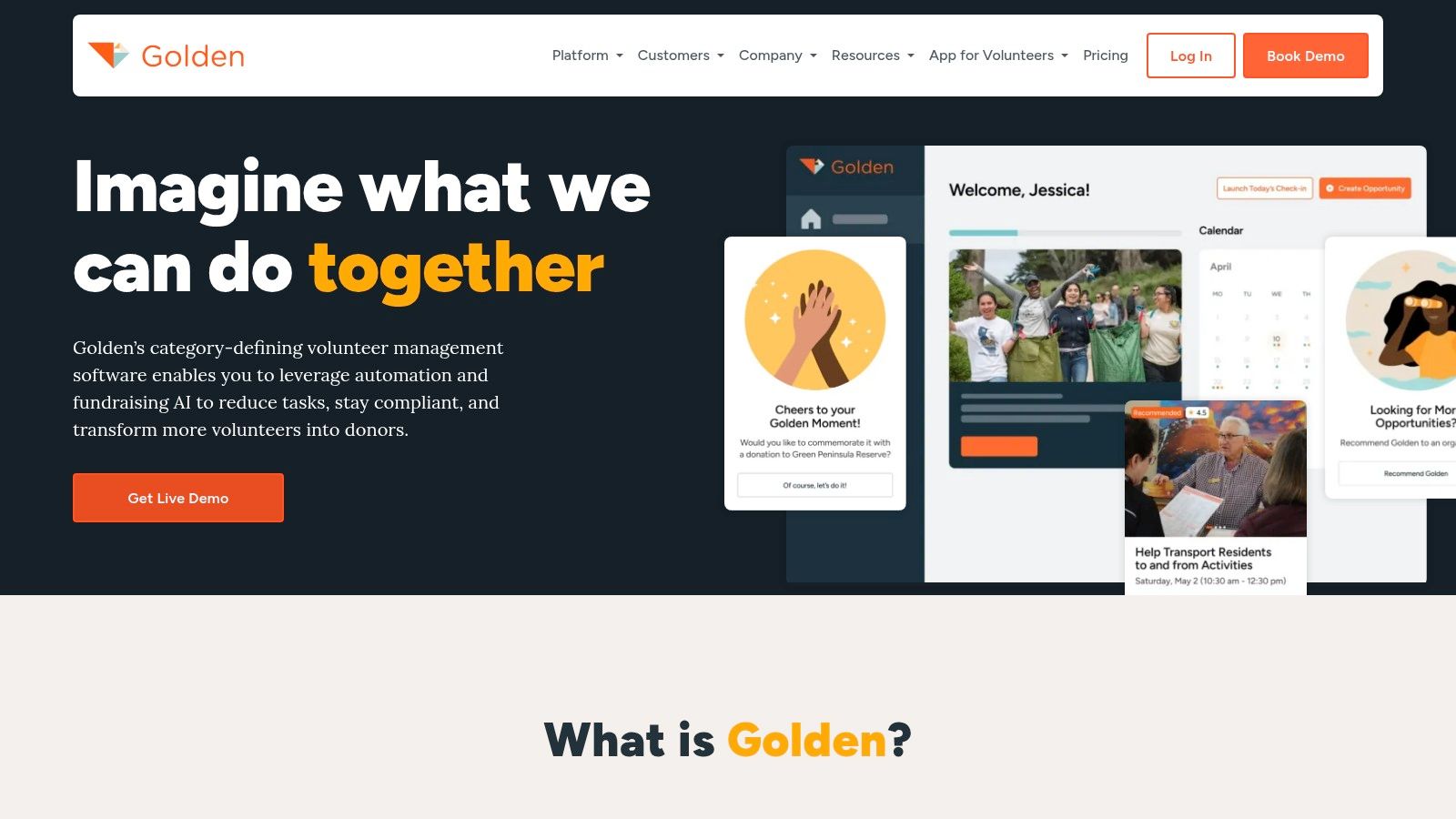
That is the situation where Golden makes more sense to me than a plain sign-up sheet.
Some tools are best once you already have a dependable bench of regulars. Golden stands out because it also helps people find your opportunities. For a small grassroots group, that matters. There were plenty of weeks when our problem was not organizing twenty volunteers. Our problem was finding six.
Best for groups that need scheduling and visibility
What I like here is the combination. You can post events and shifts, send reminders, track attendance, and put your opportunities where new volunteers can discover them. If your turnout changes from week to week, that extra exposure can do real work.
Here is how I would use it:
- Event and shift listings: Clear enough for people to claim a spot without a long back-and-forth text chain.
- Volunteer communication: Helpful when you need reminders out before the morning rush.
- Attendance tracking: Useful if you are trying to see who shows up and who might become a reliable lead later.
- Discovery through Golden's network: A practical option when your own mailing list is still small.
The trade-off is pretty simple. If your team is already full every weekend and everybody knows the routine, Golden may feel bigger than you need. But if you are still building your base, or you run public-facing events where new people join all the time, I can see the appeal fast.
I also pay attention to why more tools like this keep showing up. Analysts at Dataintelo estimate the volunteer management software market will keep growing over the next several years, which helps explain why small groups now have more choices than they used to, including tools built for recruiting as well as scheduling. You can see that estimate in their volunteer management software market report.
For me, Golden fits the stage where a group is still trying to become predictable. You are not just filling shifts. You are trying to build a volunteer habit around your mission.
Top 10 Free Volunteer Scheduling Tools Comparison
| Tool | Core features ✨ | UX / Quality ★ | Value & Pricing 💰 | Best for 👥 | Standout 🏆 |
|---|---|---|---|---|---|
| SignUpGenius | Unlimited free pages, slot caps, reminders | Familiar, very low learning curve ★★★★ | Free (ads) → paid for multi-admin/advanced 💰 | Weekend cleanups & quick shift claims 👥 | Fast setup & volunteer familiarity 🏆 |
| SignUp.com | Free sign-up sheets, calendars, reminders | Straightforward but slightly dated UI ★★★ | Free plan covers simple needs, ads on free 💰 | Schools, neighborhood events, small nonprofits 👥 | Reliable basic self-signups |
| Timecounts | Volunteer DB, onboarding, shift rosters, hours | Clean modern interface volunteers like ★★★★ | True nonprofit free plan; Pro for automations 💰 | Growing groups needing CRM & onboarding 👥 | Scales from casual to structured programs 🏆 |
| Track It Forward | Event sign-ups + auto hours logging, timesheets | Solid reporting and audit trail ★★★★ | Free for <25 volunteers; paid tiers for scale 💰 | Grants/partners & hour-sensitive reporting 👥 | Best-in-class volunteer hours audit 🏆 |
| POINT | Mobile apps, discovery, automated reminders | Smooth mobile experience ★★★★ | Core free for US 501(c)(3)s; Pro features paid 💰 | Verified nonprofits seeking recruits & mobile checks 👥 | Nonprofit-focused platform with discovery 🏆 |
| Sling (by Toast) | Drag‑drop rosters, availability, swaps | Fast roster building, team messaging ★★★★ | Generous free tier up to ~30 users 💰 | Multi-team logistics, rosters for larger crews 👥 | Generous free scheduling for teams 🏆 |
| Homebase | Scheduling + time clocks, shift reminders | Practical app for small teams ★★★ | Free for one location / small headcount 💰 | Single meetup points & small volunteer squads 👥 | Built-in clock & shift reminders 🏆 |
| Volunteer Shift Manager | Events, shift rosters, public sign-up pages | Simple, transparent, easy onboarding ★★★ | Real free plan up to 50 volunteers 💰 | Shift-based nonprofit events and rosters 👥 | Clear pricing and quick setup 🏆 |
| Volntir | Shift sign-ups, digital waivers, check-in & hours | Mobile-friendly web, no app required ★★★ | Permanently free core (beta) 💰 | Groups needing waivers + simple workflows 👥 | Waivers + sign-up + check-in in one flow 🏆 |
| Golden | Event listings, self-scheduling, recruitment | Decent UX, marketplace-centric ★★★ | Free entry plan; paid for advanced features 💰 | Teams wanting marketplace exposure to fill shifts 👥 | Access to volunteer marketplace to fill shifts 🏆 |
The Tool Is Just the Start, You Are the Engine
No software is going to create a real volunteer culture for you. It won't make someone wake up early on a freezing Saturday. It won't make a nervous new person feel welcome. It won't turn a group of strangers into friends. You do that part.
But the right tool can clear brush off the trail. That's how I think about it. When my life was messier, every little task felt heavier than it should've. Throwing away old junk felt impossible. Answering messages felt impossible. Planning one cleanup with good people somehow felt harder than walking a long block with a trash picker. Software didn't fix me. It did remove a few dumb obstacles that kept draining my energy.
That's why I like to split these tools into three rough camps. If you need speed and almost no learning curve, start with SignUpGenius or SignUp.com. If you're growing and need real volunteer records, Timecounts or POINT makes more sense. If your events run like shifts and logistics matter more than nonprofit-specific extras, Sling or Homebase can do the job. Then you have the special cases. Track It Forward if hours are central. Volunteer Shift Manager if you want lightweight simplicity. Volntir if waivers are slowing you down. Golden if discovery matters.
There's also a practical truth people don't say enough. "Free" is only free until your group hits the limits that matter to your real life. Maybe that's admin seats. Maybe it's volunteer count. Maybe it's reporting. Maybe it's whether people can self-book without creating a whole account. So don't choose based on the word free alone. Choose based on your Saturday morning. Choose based on your messiest event, your rainiest forecast, your flakiest week, your newest volunteer, your least technical team lead.
I started Litter Caterpillars because I needed to change. I had spent too much of my life stuck in disorder, sentiment, and avoidance. Picking up trash with other people taught me something embarrassing and beautiful. Cleaning up someone else's mess was easier than cleaning up my own, and somehow that started helping me do both. Organization worked the same way. Once I found tools that took some weight off my brain, I had more room to lead, welcome people, and keep promises.
So pick one. Don't overthink it for a month. Set up your next event, send the link, and learn by doing. Your community doesn't need perfect software. It needs you, a working system, and one clear invitation to show up.
If you're in Chicago and you want a real-world example of volunteer energy done the hard way, come join Litter Caterpillars. We clean in weekend mornings, we make friends, and we keep showing up rain or shine. If you want to build your own group, partner with us, or just see how we organize messy, passionate volunteers into something steady, start there.